

A domain transfer moves your domain from one registrar to another — it does not change ownership, does not move your website, and when done correctly causes no downtime. Technically it is simple, but it depends on five preconditions, and if any one is missing the transfer is quietly rejected. The rules around authorization codes also changed in 2025. This guide covers the process step by step, why transfers get denied, and how .tr domains work differently.
Three operations get confused constantly, and confusing them causes needless panic:
A common situation: someone wants to change hosting and assumes they must transfer the domain too. They do not. Changing hosting only requires updating nameservers. A transfer makes sense when you want the domain service under the same roof as everything else.
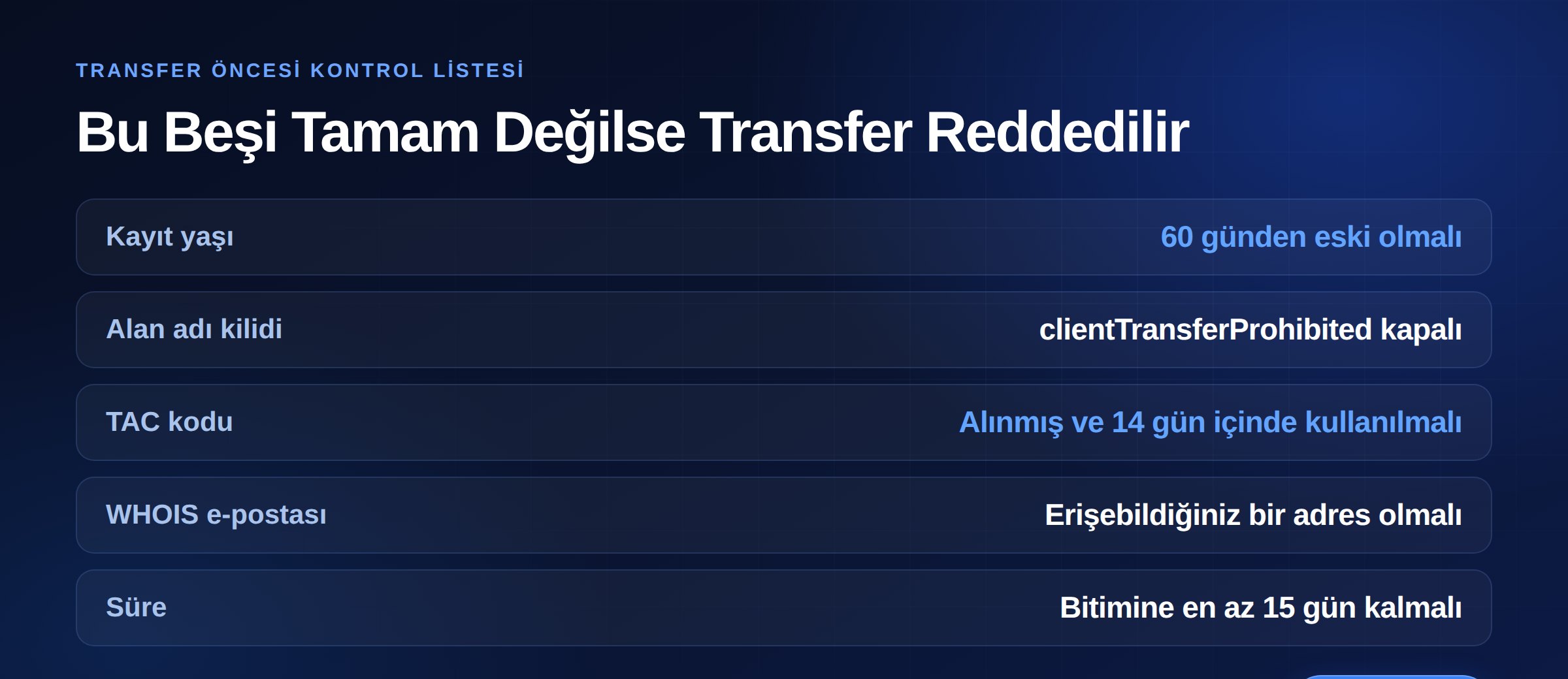
Almost every transfer rejection traces back to these five. Check them all before starting:
ICANN's Transfer Policy blocks transfers within 60 days of the creation date. You cannot move a domain you just registered. Likewise, a transfer within 60 days of a previous transfer can be denied.
Domains carry a clientTransferProhibited status for security. You need to remove this from your current registrar's panel. Under the policy, the registrar is obliged to remove the lock and provide the code within five calendar days of your request.
Detailed in the next section — the rules changed in 2025.
Approval messages go there. If the registered address is one you no longer use, update it before transferring. But be careful: in some cases changing registrant details triggers a 60-day lock.
If the domain expires before the transfer completes, the authorization becomes invalid. Do not leave it to the last day; allow at least 15 days. On an expired domain with an unpaid previous period, the registrar may deny the transfer.
What was known for years as the "auth code" or "EPP code" is now called the TAC (Transfer Authorization Code) under the updated Transfer Policy. More important than the rename are the operational changes:
The practical consequence: start the transfer as soon as you have the code. Sit on it for two weeks and it dies, and you begin again.
Typically 5–7 days. What determines the duration is the approval steps, not anything technical:
When a transfer completes, a year is generally added to the domain's term — so the fee you paid is not lost, it becomes time. Your existing term is not wiped either; the year is added on top.
ICANN's policy splits denial reasons in two.
The vast majority of denials come not from the first three items but from the 60-day lock and an unremoved transfer lock.
The current rule is clear: after a registrant change, the registrar must impose a 60-day inter-registrar transfer lock unless the holder opted out beforehand.
However, ICANN plans to eliminate this lock entirely. Two new mandatory locks would replace it: 720 hours (30 days) on newly created domains and another 720 hours on recently transferred-in domains. The rationale is reducing credit card fraud and maintaining trademark-complaint compliance while lowering the barrier to legitimate transfers.
Important: this change is not in effect yet. It awaits ICANN board approval, and industry estimates put implementation at least 18 months out. So if you are planning a transfer today, work to the 60-day rule — a new rule applies when it takes effect, not when it makes the news.
.com.tr, .org.tr and other .tr extensions fall not under ICANN rules but under Turkish regulation administered by TRABİS. The process differs:
So on the .tr side there is a form- and document-based process rather than TAC-code logic, and transfer without documents is possible in some cases. Confirm current extension-specific requirements with your registrar or TRABİS before starting.
We covered the SEO and branding side of extension choice in how to choose a domain name.
This is the biggest worry, and the answer is reassuring: a transfer does not change your DNS records. As long as your nameservers stay the same, your site stays up and your email keeps working.
There are two traps though:
Losing SPF, DKIM and DMARC records is the number one cause of "my email goes to spam" complaints after a transfer. For all record types, see our DNS records guide.
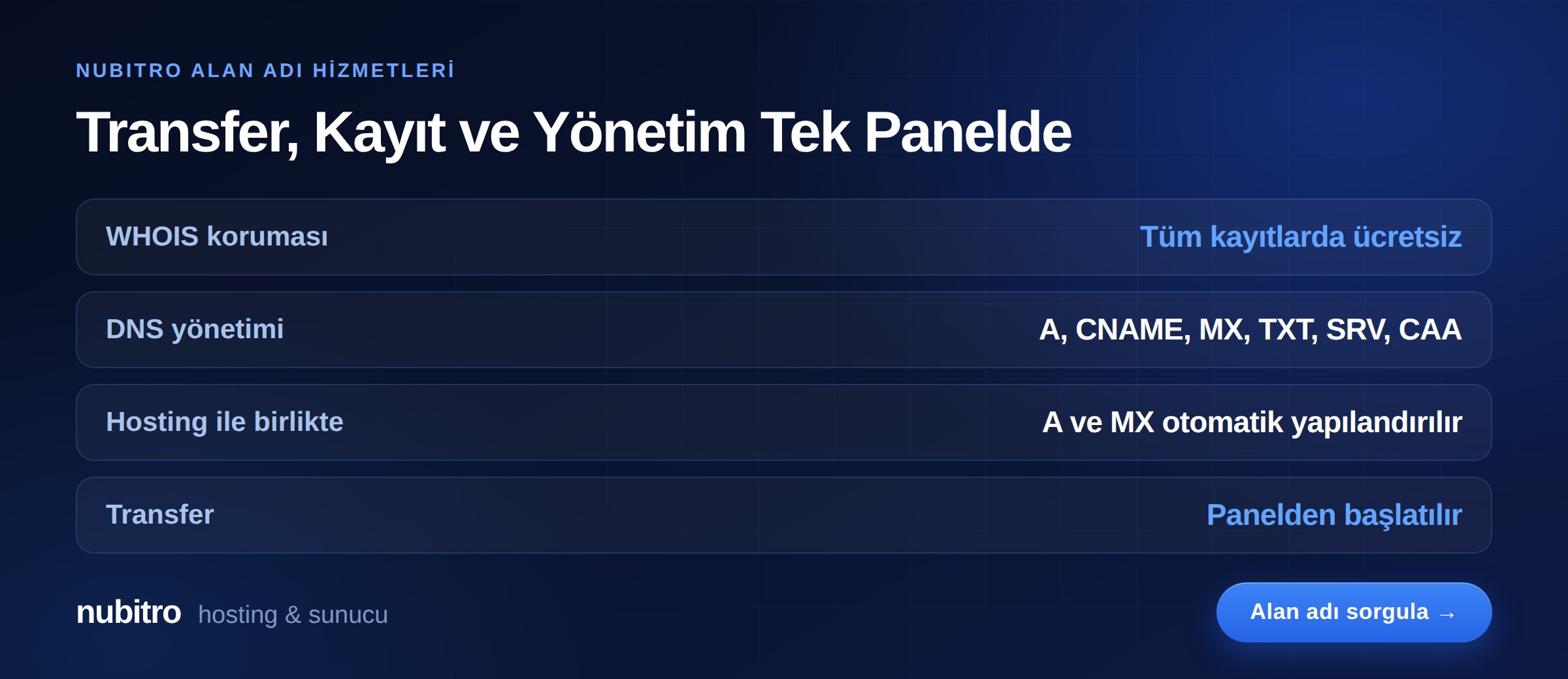
To move your domain to Nubitro, start from the domain transfer page. After the transfer, domain and hosting sit in the same panel, so you manage DNS in one place — and A and MX records are configured automatically with a hosting order.
All domain registrations include free WHOIS privacy. From the panel you can manage A, AAAA, CNAME, MX, TXT, SRV and CAA records.
To register a new domain or check availability, use domain search, and for hosting to point it at, see our professional SSD hosting plans. For everything else, visit the Nubitro homepage.
No. A transfer changes the registrar and does not touch your DNS records. As long as your nameservers stay the same, your site and email keep working. The only risk arises if you were using the old registrar's DNS service.
Usually a one-year renewal fee is charged, and that year is added to your domain's term. So the money is not lost — it becomes time. Your existing term is not wiped either.
Not until 60 days have passed since the creation date. This is an ICANN policy rule, not something a registrar can waive.
The code lives for 336 hours, or 14 days. Unused within that window it expires and must be requested again. It can also be cancelled during that period by the registrar or registry.
Under the policy, the registrar must provide the code and remove the transfer lock within five calendar days of your request. If that is exceeded, repeat your request in writing and, if necessary, use ICANN's complaint process.
.tr extensions fall under TRABİS regulation and the process is form- and document-based. You complete the relevant form on your registrar's website and submit the required documents; TAC-code logic does not apply.
ICANN plans to remove it and replace it with 720-hour (30-day) locks on newly created and newly transferred domains. But it is not in effect yet — board approval and implementation are pending. For now, the 60-day rule stands.
clientTransferProhibited) must be removed..tr extensions the process runs on forms and documents under TRABİS rules. Turkey (Türkçe)
 Worldwide (English)